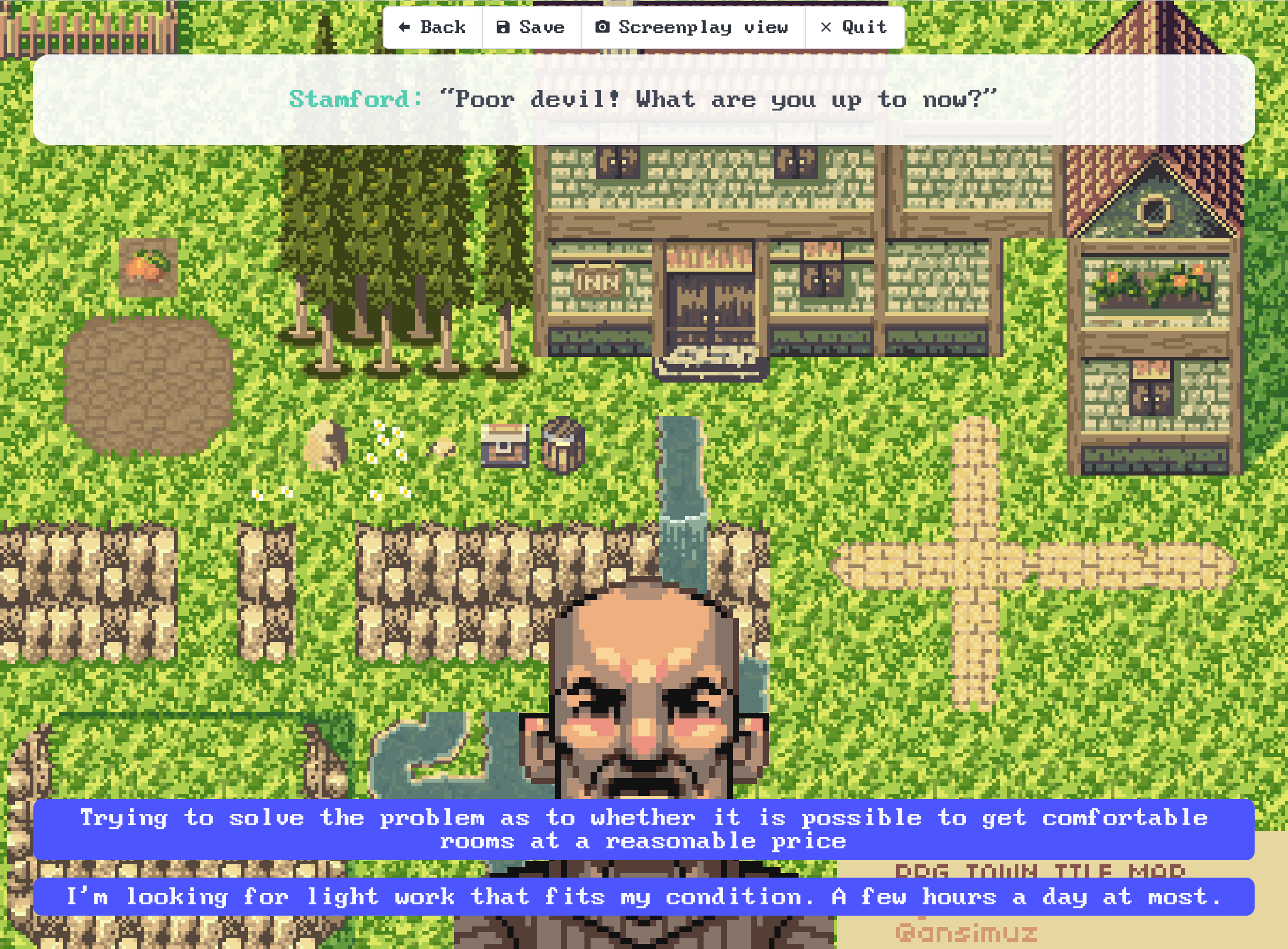
Crunchier pixels in VisualInk
Pixel art has a certain charm all of its own, and visual novels in particular often borrow from the older games of yesteryear for their artistic inspiration.
But unfortunately, that means that if you're using a web based visual novel engine like VisualInk your assets can end up looking blurred and smudgy depending on the screen size where they are viewed.
VisualInk now has the pixel_style variable for choosing whether images that need to be resized are scaled using "Smooth" style (the default, good for photos and scanned hand drawn artwork), and "Pixelated" style for low resolution pixel art to be scaled up keeping nice sharp edges between the pixels.
As an example:
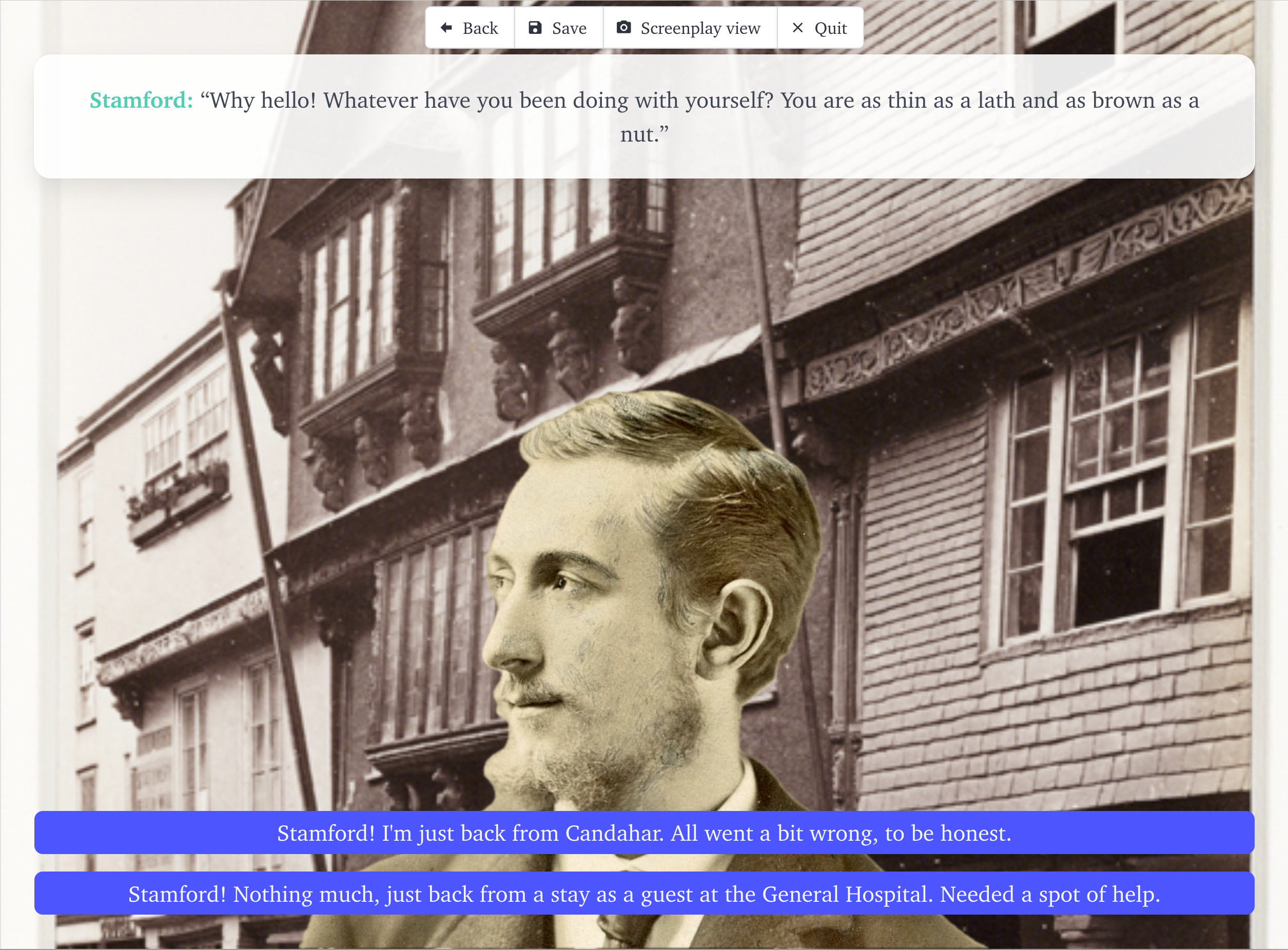
Versus (excuse the placeholder images):